
SSH Bastion Tunneling (Password & Private Keys)
Authenticate through jump hosts using passwords or encrypted SSH private keys with passphrases. Import keys from local storage or paste directly from your clipboard.
Built-in SSH tunneling, SSL certificates, and Read-Only guard — keep port 3306 private.
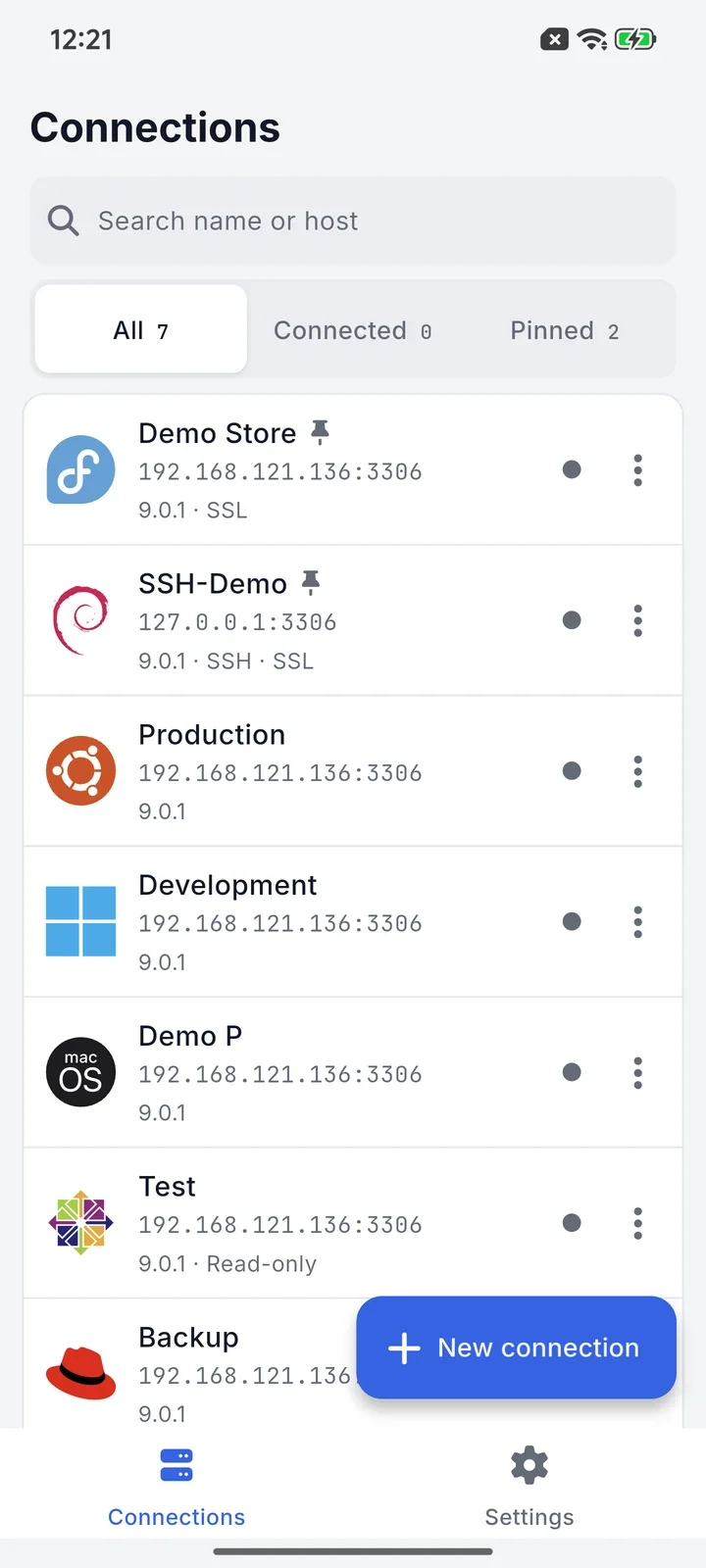
Authenticate through jump hosts using passwords or encrypted SSH private keys with passphrases. Import keys from local storage or paste directly from your clipboard.
Attach CA and client SSL files and configure cipher suites to satisfy strict cloud MySQL requirements on AWS RDS, Google Cloud SQL, and managed VPC clusters.
Flip Read-Only on for live production profiles so HiSQL blocks accidental data or schema mutations while you inspect tables and run diagnostics.
Enable MySQL protocol compression on flaky 4G/5G or high-latency connections to send less data and load result grids faster.
Leave the database password or key passphrase blank in your saved profile and HiSQL will prompt you at runtime instead of persisting secrets to disk.
Automatically lock HiSQL immediately or after 1, 5, 10, or 15 minutes in the background so your saved connections stay protected behind device biometrics.
Works out of the box with AWS RDS, DigitalOcean Managed MySQL, self-hosted VPS, and Docker containers behind a bastion host:
Use the database address reachable from your bastion host (for example 127.0.0.1 or your private RDS endpoint) and port 3306. Leave the password blank if you prefer runtime prompts.
Provide your jump host address, SSH port, and username. Switch between Password and Private key, import your key file or paste from clipboard, and optionally set a passphrase.
Attach SSL certificates if required by your cloud provider, turn on Read-Only for production safety, verify with Test Connection, and save.